
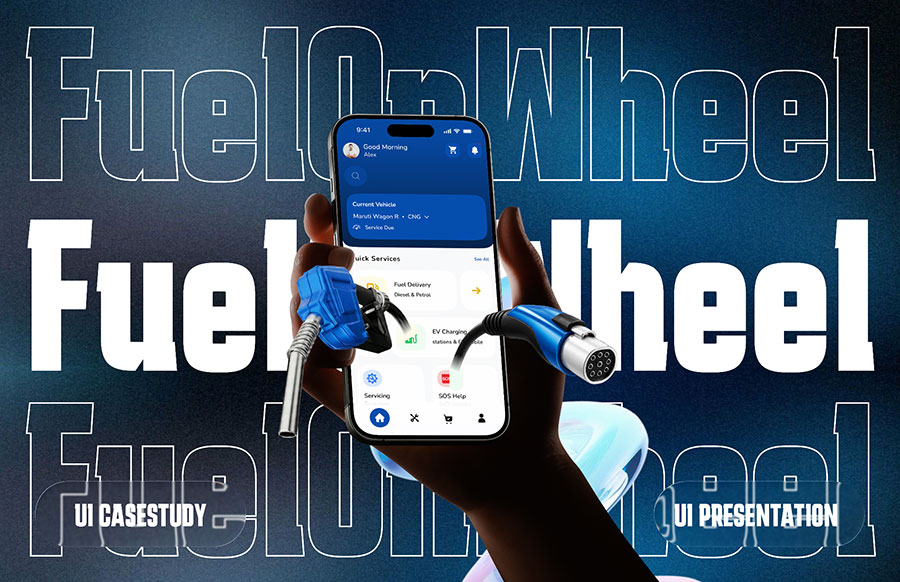
Discover how students at ICAT College of Design and Media, designed FuelOnWheels, an all-in-one vehicle care app. Explore the complete UI UX process, from research and wireframes to high-fidelity design and interactive prototyping.
As a UI/UX Design student at ICAT College of Design and Media, I wanted my graduation project to go beyond aesthetics and solve a real-world problem. Vehicle management is a daily necessity, yet handling fuel, servicing, spare parts, and emergency support efficiently remains a challenge. This inspired FuelOnWheels, an all-in-one vehicle care app designed to make vehicle ownership simple, fast, and convenient.

Idea Generation: Identifying the Problem
The foundation of FuelOnWheels began with identifying a meaningful problem, a critical skill honed through my UI/UX design courses. I observed that vehicle owners often face:
- Long queues at fuel stations
- Difficulty booking vehicle servicing
- Slow or no emergency support during breakdowns
- The need to juggle multiple apps for different vehicle services
I envisioned FuelOnWheels as a unified platform for vehicle management, catering especially to busy users and daily commuters.
Research Phase: Understanding Users
To avoid assumptions, I conducted extensive primary and secondary research:
- Secondary Research: Analyzed existing fuel delivery, vehicle servicing, and mobility apps to identify gaps such as fragmented services, complex user flows, and limited real-time support.
- Primary Research: Conducted user interviews and surveys, gathering insights at fuel stations, parking areas, and public spaces. Users highlighted the need for convenience, simplicity, trust, and a single platform for all vehicle-related tasks.
These insights helped shape a user-centered approach, ensuring the app would be both functional and intuitive.
UX Case Study: Structuring the Experience
Before designing the interface, I focused on building a strong UX foundation:
- Created user personas representing different vehicle owners
- Developed empathy maps to capture user thoughts, feelings, and frustrations
- Designed user journey maps to understand current workflows and pain points
- Built a logical information architecture to organize all features
- Created user flows for key tasks like booking fuel, scheduling servicing, and using emergency support
This structured approach ensured that every interaction would be simple, intuitive, and meaningful.
Wireframing: Laying the Blueprint
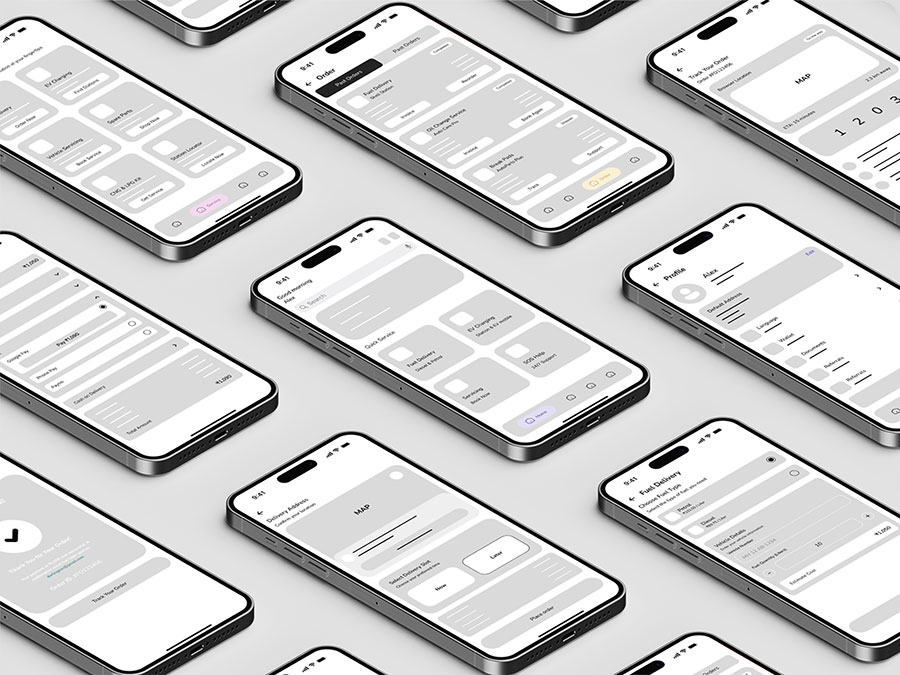
With UX strategy in place, I began low-fidelity wireframing to focus purely on structure and navigation.
Key priorities included:
- Clear information hierarchy
- Simple and accessible navigation
- Iterative refinement to optimize usability
These wireframes acted as a blueprint for the final high-fidelity design.
Using Figma, I transitioned into high-fidelity UI design, applying principles from my UI UX design courses:
- Clean typography and consistent components for readability
- Intuitive navigation to minimize cognitive load
- A visually appealing yet minimal interface to balance aesthetics with usability
The design system ensured consistency across all screens, making the app approachable for all users.
Prototyping: Bringing the App to Life
Interactive prototypes simulated real user interactions, allowing me to test and refine the user journey. Focus areas included:
- Fuel delivery bookings
- Scheduling vehicle servicing
- Ordering spare parts
- Using the emergency SOS feature
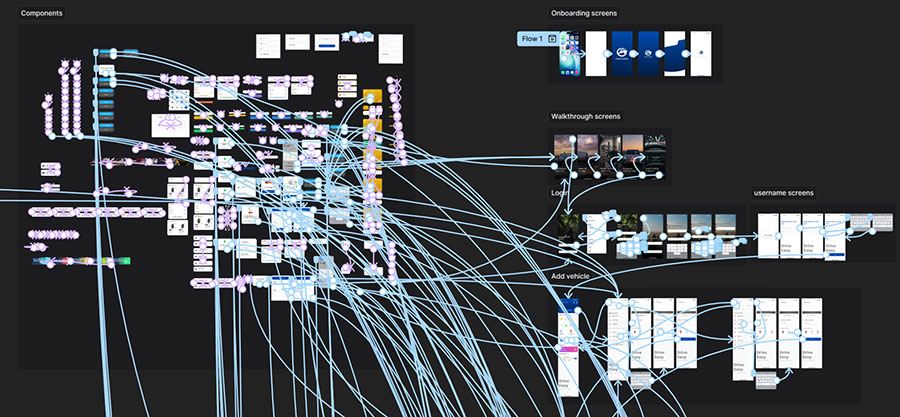
This iterative prototyping improved navigation, usability, and overall user satisfaction.
UI/UX Presentation: Showcasing the Journey
The final stage of my FuelOnWheels project involved presenting the entire UI/UX design journey, highlighting both the process and the final product:
- UX Case Study: Shared detailed research, user insights, and design decisions that guided the app's structure and functionality.
- UI Presentation: Showcased high-fidelity screens, interactive flows, and the polished interface built using Figma.

Documenting every step—from initial research and sketches to interactive Figma prototypes—emphasized the value of iterative design, user-centered problem solving, and practical application of UI UX principles taught in my courses at ICAT College of Design and Media.
Conclusion: From Concept to Real-World Solution
This project reminded me that while technical skill is essential, passion and creativity truly bring design to life. Presenting FuelOnWheels at the ICAT College Graduation Showcase at Mantri Square Mall was a valuable experience, where feedback from faculty, industry professionals, and visitors validated my efforts and boosted my confidence.
Designing FuelOnWheels has been a transformative journey that strengthened my skills in research, usability, and UI UX design. Every stage, from UX research to prototyping, helped create a user-centered and practical solution. This project reflects my growth and commitment to building impactful, real-world digital experiences.
Explore more student UI/UX project blogs to see how innovative ideas are brought to life.