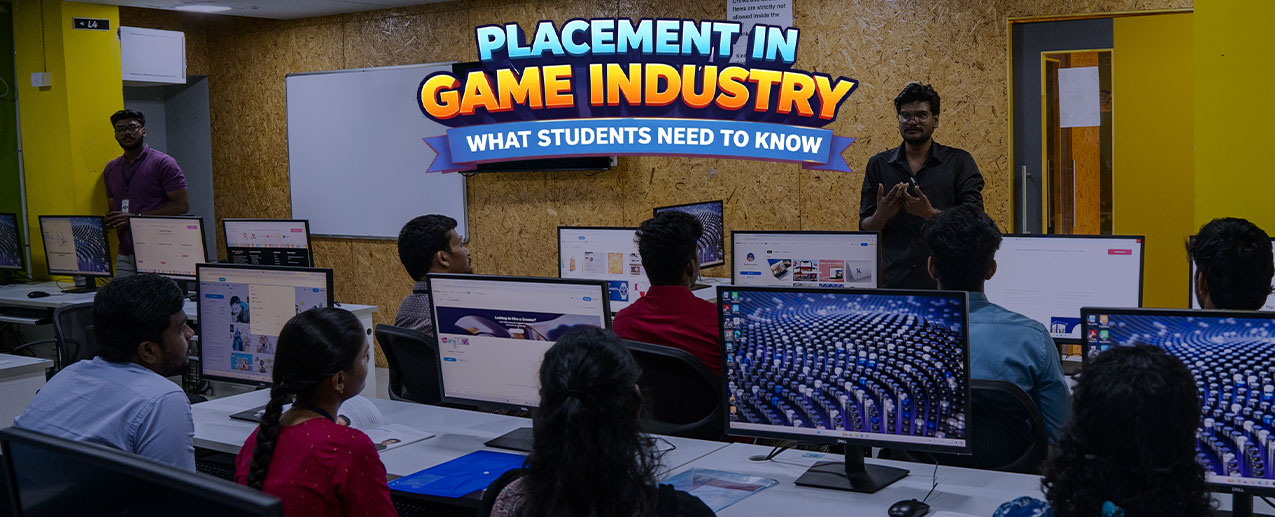

UI/UX (User Interface and User Experience) Development is the bridge between design and function. UI represents visual components that allow for human interaction with a product, while UX ensures that these components can operate correctly and provide a great experience to the user. UI and UX are connected via frontend development, which is responsible for making your designs into usable, interactive products.
A lot of modern apps such as Instagram and Spotify have become successful due to the combination of a robust User Interface/User Experience (UI/UX) with a fast and functional frontend.
Role of Frontend in UI/UX
The front-end is responsible for everything the user sees and interacts with when using a web-based application or mobile application from a browser. This includes:
- The physical structure of all items visible on your page (via HTML),
- The style of each element (via CSS), and
- The application of user interaction to your page (via JavaScript).
The front-end developer's job is to take the UI/UX designs they have received (often from design tools such as Figma or Adobe XD) and turn them into an actual working interface.
Core Frontend Technologies for UI/UX
1. HTML
HTML (HyperText Markup Language) is the primary markup language of the World Wide Web, and it is what determines how a webpage is structured.
Examples of how to use HTML:
- Headings
- Paragraphs
- Buttons
- Forms
2. CSS
CSS (Cascading Style Sheets) is the graphic language that defines how the items displayed with HTML will appear in a web browser. Therefore, it also serves as the design/layout tool for the UI.
Examples of how to use CSS:
- Fonts and Colours
- Margins/Alignment
- Responsive Design (Mobile-friendly).
To expedite the building process of consistent and responsive UIs, developers can build their frontend applications using CSS frameworks such as Bootstrap and Tailwind CSS.

Figure 1: Hands-on UI/UX training helps learners build real-world skills across frontend, backend, and database development.
3. JavaScript
JavaScript is the language that adds interactivity to your webpages.
Examples of how to use JavaScript:
- Validating Forms
- Creating Animation
- Updating Dynamic Content
Some libraries/frameworks that use JavaScript to add interactivity include:
- React
- Vue
What is Backend Development?
While UI/UX deals with how users interact with an app, the backend takes care of everything behind-the-scenes (i.e. data processing, business logic, database management). Backend systems are an important part of how popular platforms (like Amazon and Netflix) support millions of users and efficiently manage that data.
Backend development is responsible for:
- Server-side logic
- Database Operations
- Authentication / Security
- APIs (communication between frontend and backend).
To put it simply:
- The Frontend is everything the user sees.
- The Backend is everything that happens to make it work.
Java for Backend Development
Java is important for backend development because:
- It is platform independent (Write Once, Run Anywhere)
- It has strong performance
- There are a lot of tools and resources available for Java (i.e. big ecosystem)
- It is secure.
Java has frameworks such as Spring Boot that allow you to quickly and easily build backends.
SQL to Manage & Interact with Databases
SQL (Structured Query Language) is a programming language that manages and interacts with databases.
Databases can store information:
- User Data
- Product Information
- Transaction Information.
Two common examples of databases are:
- MySQL
- PostgreSQL.

Figure 2: Focused programming practice helps learners develop strong problem-solving and full-stack development skills.
Java Database Connectivity
Java uses JDBC (Java Database Connectivity) to connect and communicate with databases.
The basic steps when connecting and communicating with a database via JDBC are as follows:
- Connect to the database via DriverManager
- Send an SQL statement for processing
- Process results
- Close the connection.
Java and SQL database example:
import java.sql.*;
public class Main {
public static void main(String[] args) {
try {
//Connect to the MySQL database via JDBC
Connection con = DriverManager.getConnection("jdbc:mysql://localhost");
Conclusion
Using Java and SQL to build a backend is an important step toward creating applications that are scalable, secure, and data-driven. The frontend provides the user with the best possible experience, while the backend makes sure that everything runs smoothly.
Knowing how to do both frontend (UI/UX) and backend (Java & SQL) development means you will be able to develop a complete application from start to finish, and be qualified as a full-stack developer. At ICAT College of Design & Media, integrated learning enables a practical connection between design and development within real-world application contexts.
This approach forms a strong foundation for progressing toward a well-rounded full-stack professional profile. For more details on the UI/UX program and admissions, reach out to ICAT College of Design and Media to explore how you can begin your journey.