
Solving Real Problems Through UI/UX Design
In today's fast-paced world, organizing events whether weddings, birthdays, or small gatherings, can quickly become overwhelming. Managing vendors, budgets, and coordination often leads to confusion and stress. As a final-year UI/UX design student at ICAT College of Design and Media, I aimed to solve this real-world challenge through a structured user-centered design approach.
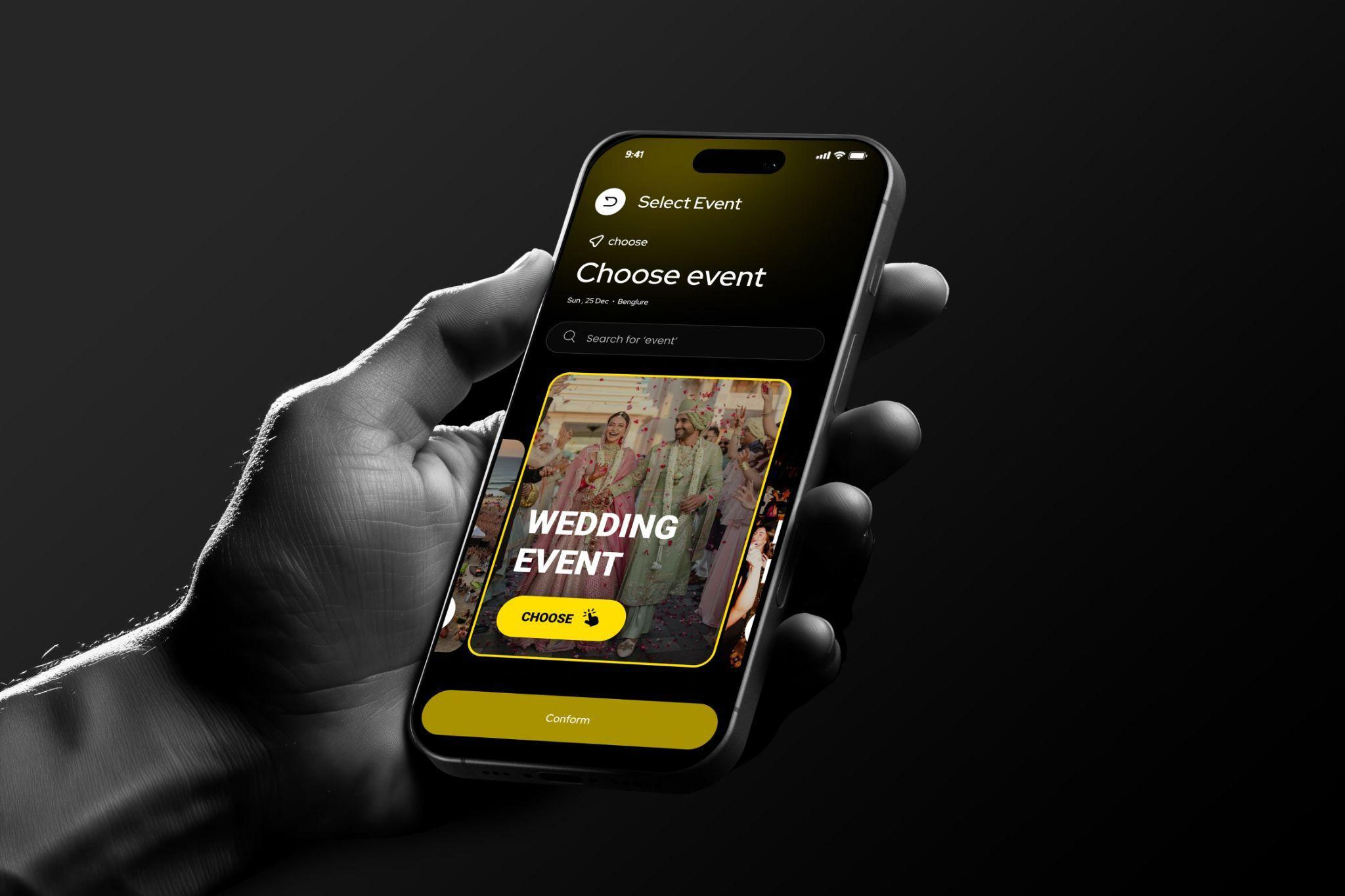
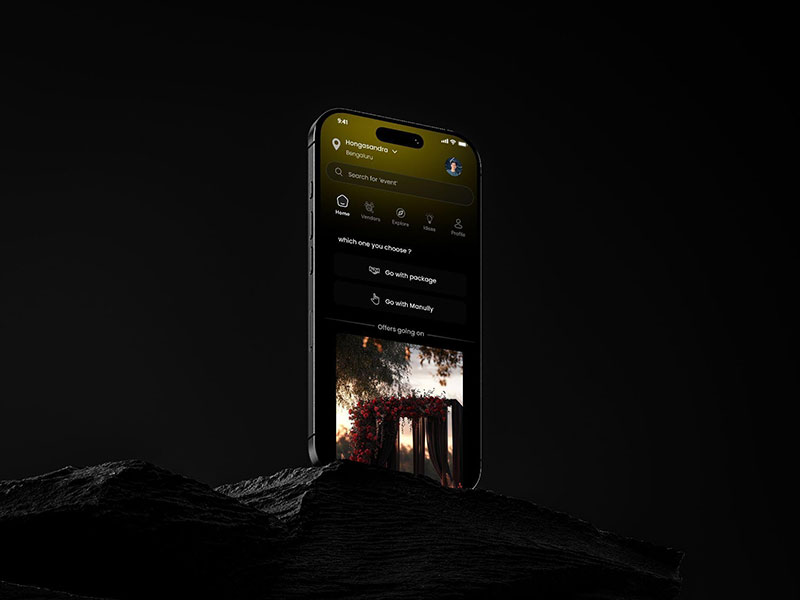
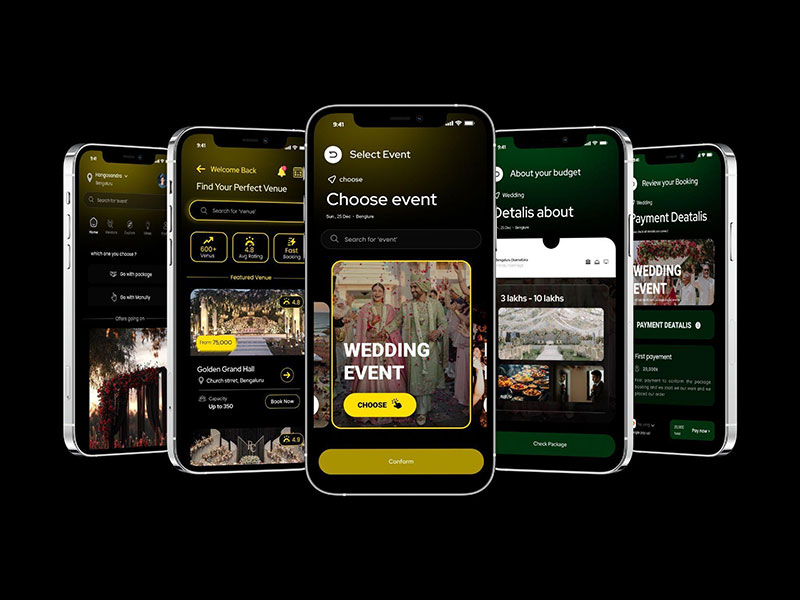
This led to the creation of Goevent, a smart event planning app that simplifies and centralizes the entire celebration experience into one seamless platform.
Idea Generation: Identifying the Problem
The foundation of Goevent began with identifying common pain points in event planning:
- Managing multiple vendors across platforms
- Tracking budgets and expenses
- Coordinating with family and teams
- Lack of a unified event planning system
These challenges highlighted the need for a simple, all-in-one solution, shaping the core idea behind Goevent.
Research Phase: Understanding User Needs
A strong UX design begins with research.
- Users prefer all-in-one platforms
- Budget tracking is a major concern
- Vendor coordination creates confusion
- Simplicity and clarity are essential
Through user interviews and surveys, I discovered that users don't just need features—they need clarity, trust, and ease of use.
UX Case Study: Structuring the Experience
Applying principles from my UI/UX design course, I built a strong UX foundation:
- User Personas: Event planners, families, individuals
- Empathy Maps: Understanding user frustrations
- User Journey Mapping: Identifying pain points
- Information Architecture: Structuring features logically
- User Flows:
- Booking vendors
- Managing budgets
- Coordinating tasks
Wireframing: Building the Blueprint
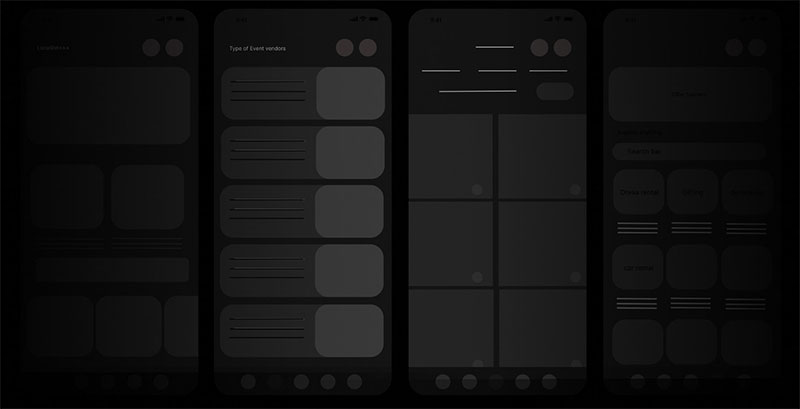
I started with low-fidelity wireframes to focus on functionality:
- Users prefer all-in-one platforms
- Budget tracking is a major concern
- Vendor coordination creates confusion
- Simplicity and clarity are essential
Through user interviews and surveys, I discovered that users don't just need features—they need clarity, trust, and ease of use.
Prototyping: Bringing Goevent to Life
Interactive prototypes helped simulate real user interactions:
- Booking event packages
- Managing vendors
- Coordinating with teams
This stage allowed me to refine usability and ensure smooth user flows.
Showcasing the Journey
The final presentation included:
- UX case study (research + insights)
- UI design system
- Interactive prototypes
- Key user journeys
This stage demonstrated both the process and the final solution, highlighting the importance of design thinking.
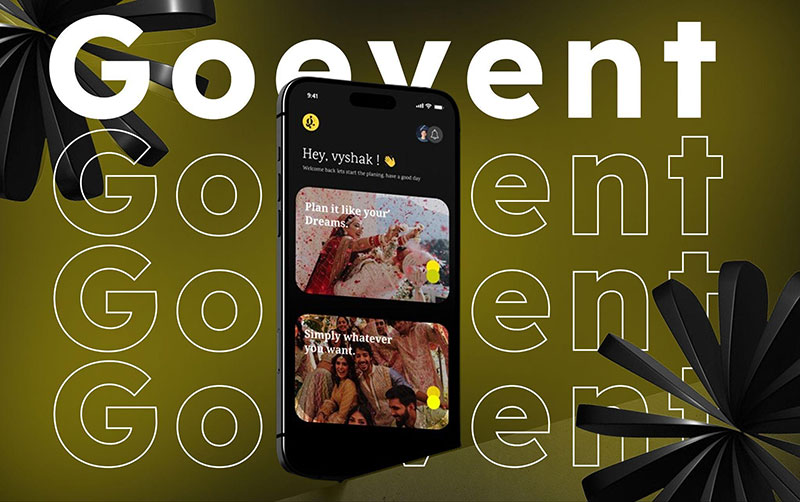
I am grateful for the opportunity to showcase Goevent at the CAT College Graduation Showcase at Mantri Square Mall, where faculty, industry professionals, and visitors provided encouraging feedback. Their insights not only validated the project but also boosted my confidence as a UI/UX designer ready to tackle real-world challenges.
Conclusion: Beyond the Interface
Designing Goevent was a transformative journey that strengthened my skills in UX research and analysis, Wireframing and prototyping, UI design systems, Problem-solving through design. It reinforced that great design is not just visual, it solves real problems with simplicity and empathy.
By applying structured UX methodologies and creative UI design, I transformed a complex process into a simple and enjoyable digital experience.
You can explore more student UI/UX design blogs to see how innovative ideas are brought to life.